

Huss Huss Huss AI Video in a lived-in home gym
Create your Huss Huss Huss AI Video
Watch a short motion study
History
Loading history…
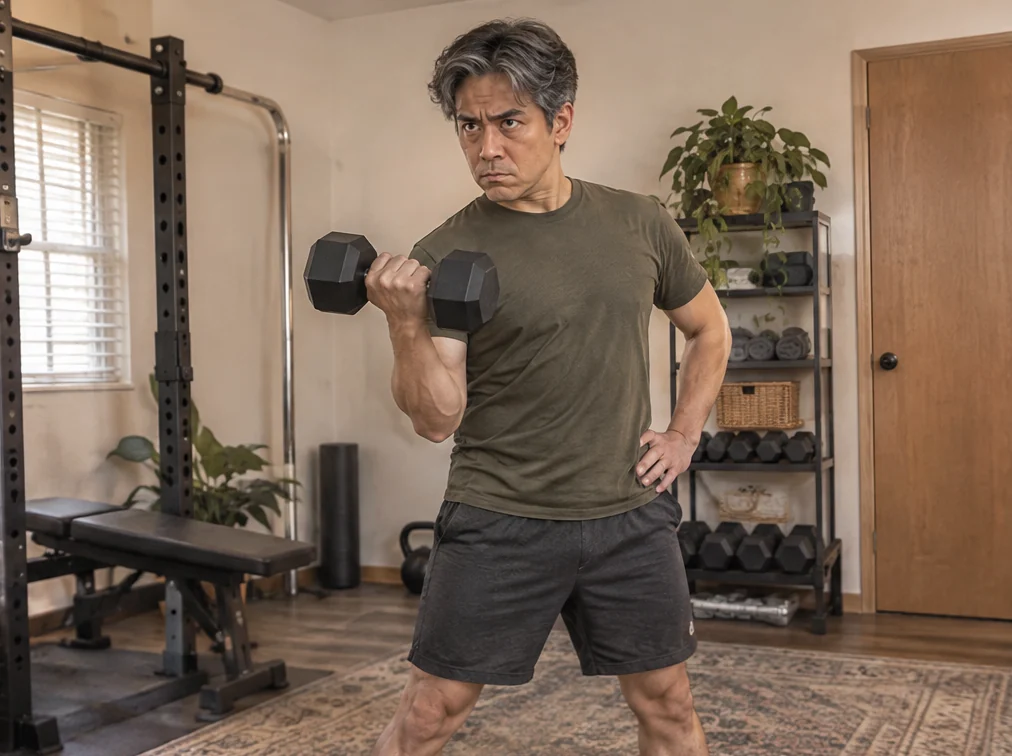
Huss Huss Huss AI Video turns one clear portrait into a comedic gym scene: a very serious lifter curls a dumbbell while everyone else is out partying. Upload your portrait, keep or edit the pre-filled effect prompt, then check the live credit quote and start the generator.
How to make your Huss Huss Huss AI Video
- Choose one clear portrait. Use a well-lit image where the person’s face is easy to see; this is the only photo upload required.
- Review the pre-filled effect prompt. Keep it as is or edit the wording to suit your scene.
- Check the live credit quote in the generator. It appears before you start, so review it before submitting.
- Start the generation and wait for the clip. Queue load affects the wait; the generator uses Seedance 2.0 and creates a clip up to 15 seconds long.
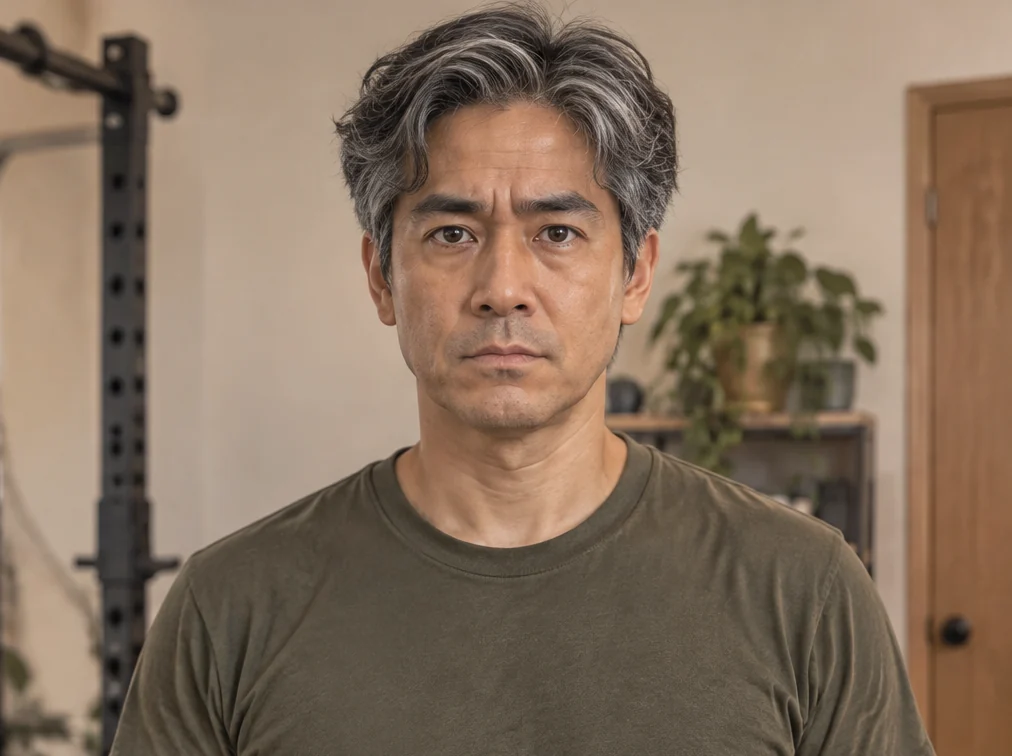
Portrait input and scene key frame

Ideas for a serious gym moment
- A home-workout joke Turn a familiar home gym portrait into a mock-heroic curl scene with the rest of the world apparently off enjoying itself.
- A gym-buddy tribute Use a willing friend’s clear portrait for a playful, exaggerated display of workout determination.
- A fitness-club notice Create a lighthearted visual for a club bulletin or member update, keeping the joke on the over-serious effort.
Check these details before saving
- Confirm the person’s face and overall appearance remain recognizable throughout the clip.
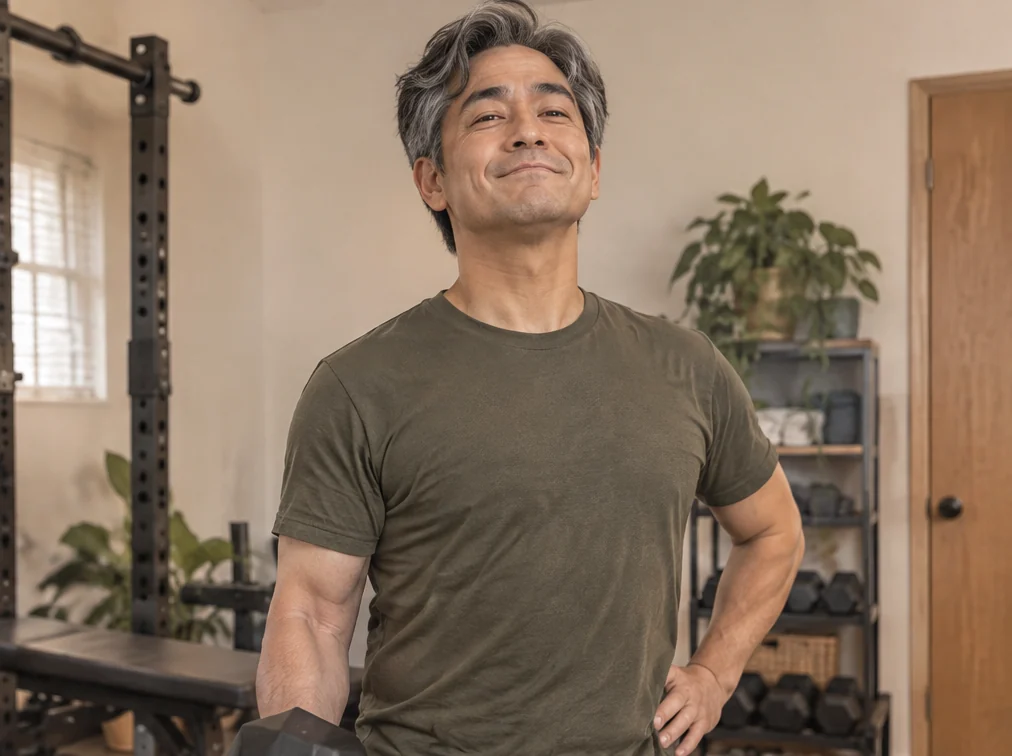
- Check that the curl reads clearly, with the serious stare, puffed-cheek effort, and proud finish in the right order.
- Review the framing and any visible details; do not rely on exact lettering or an included soundtrack.
Common questions
What is Huss Huss Huss AI Video?
Huss Huss Huss AI Video is a comedic gym meme video made from one portrait: a very serious person performs a dramatic dumbbell curl while everyone else is out partying, with over-earnest effort.
Can I try Huss Huss Huss AI Video free?
Check the live credit quote in the generator before starting and visit the pricing page for current plan details. The quote is shown before you submit; no specific free amount is promised here.
What do I need to upload or type?
Upload exactly one clear portrait, identified as @Image1. The effect prompt is pre-filled, so you can keep it or edit it; no second image is required.
How long does Huss Huss Huss AI Video take?
The clip can be up to 15 seconds long. Generation usually takes a short wait, which depends on queue load.
How can I make the curl read clearly?
Use a well-lit portrait with the face unobstructed, and keep the prompt’s action beats simple: direct stare, exaggerated curl with puffed cheeks, then a proud finish.
More AI video and image guides
mfma.net · Updated
See update history
- — This guide explains the one-portrait workflow, the editable prompt, the live credit quote, and the clip’s key action beats.