

Unforgettable Car Trend: Style a Car-Side Scene
Plan an Unforgettable Car Trend scene with a deliberate outfit, a clear lead portrait and an optional vehicle image. The supplied motion guides the performance beside the car. Your style note can bring the light and mood together without turning a short car-side moment into several competing scenes.
Create your car-side clip
Preview the fixed car-side motion
History
Loading history…
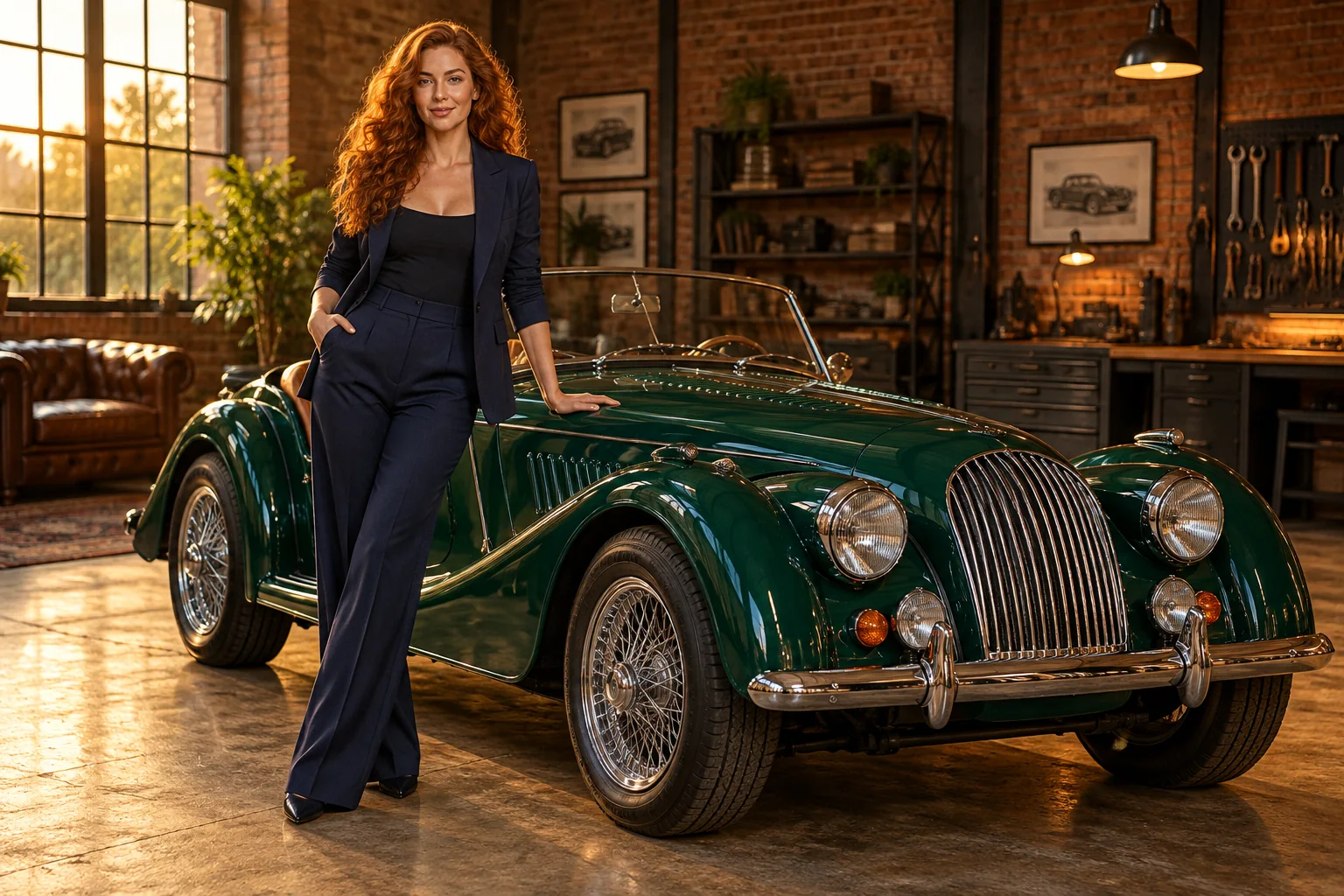
Build a mood around the outfit and vehicle
The editorial concepts pair copper curls and a midnight-blue suit with an emerald roadster in a warm workshop. The color choices give the scene a distinct mood while leaving the person readable. You can use a different palette, but decide which elements should lead the eye. An outfit and vehicle that both blend into a dark background may need more separation rather than more decorative effects.
Create your Unforgettable Car Trend clip
- Preview the fixed car-side reference and choose a compatible visual mood.
- Upload the person whose appearance should lead the scene.
- Optionally select a separate car image for vehicle styling.
- Describe light or color briefly, check the live quote and review the fifteen-second output setting.
- Generate once, follow progress in History and inspect the sequence before choosing a cover.
Choose the lead photo
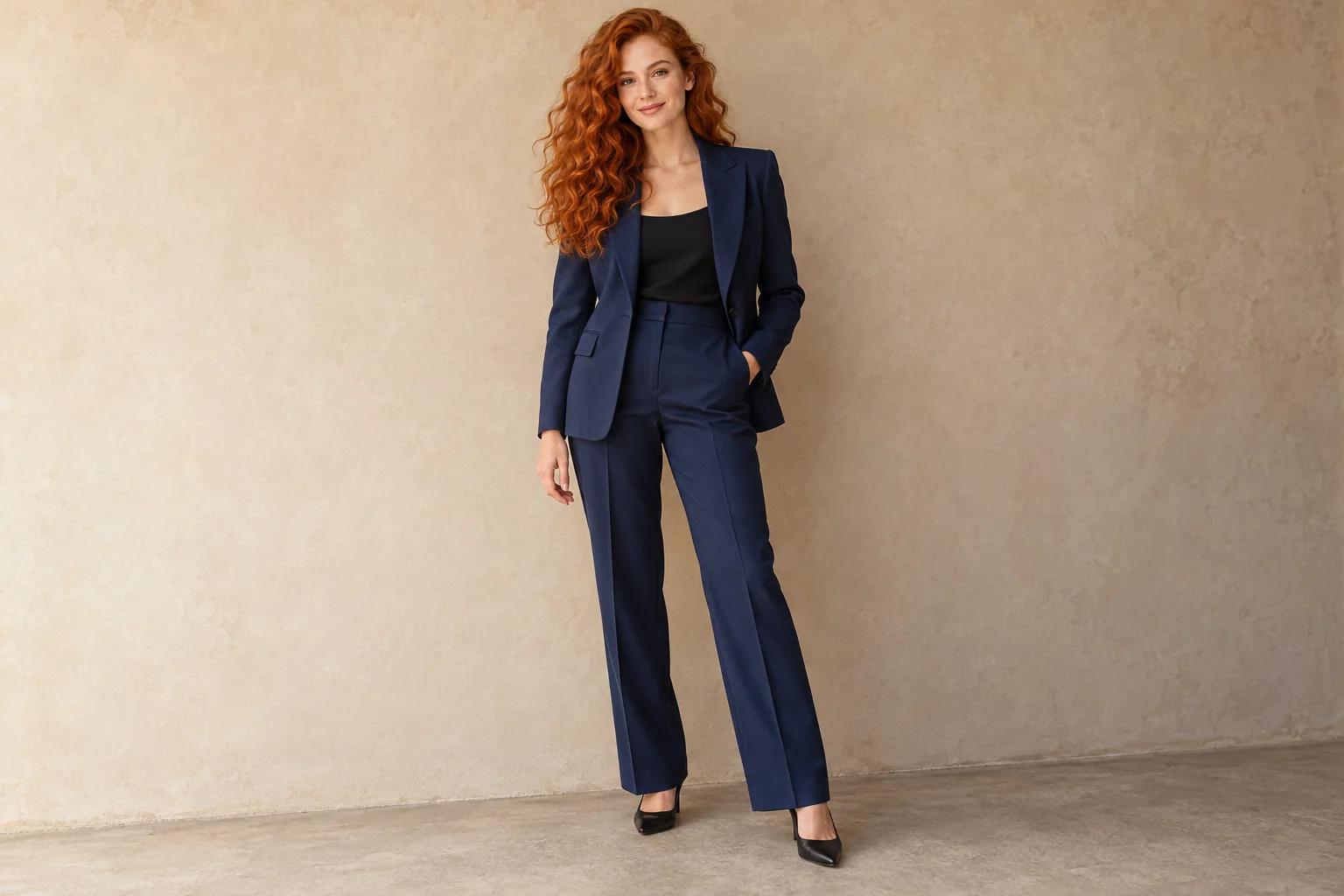
For the lead, choose a single-person image with visible facial features and enough clothing detail to communicate your look. Avoid a crop that removes the hair shape or hides both hands. A natural pose and balanced light provide a useful reference even though the finished action comes from the video. Keep accessories simple when they obscure important features, and check the uploaded preview before adding another image.
Decide whether to add a vehicle reference
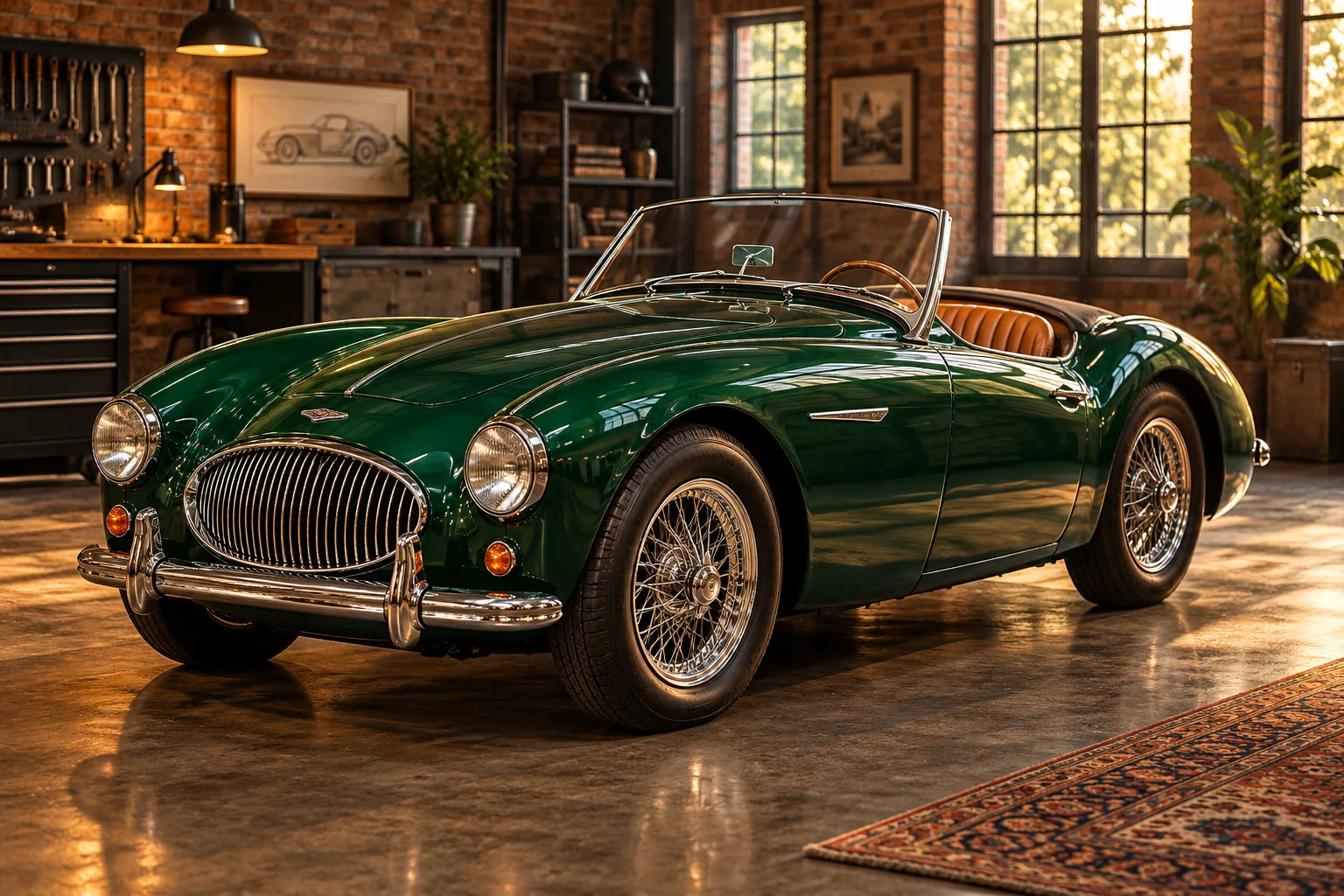
The car reference is an optional styling input for the vehicle, not an additional performer. A clear three-quarter shot can communicate color, proportions and the relationship between bodywork and wheels. Keep the whole car within the source frame when possible. The roadster study demonstrates that role; it does not require you to choose a vintage design. Without a second photo, the fixed scene still provides its car setting.
Keep the visual direction focused
One useful direction might be warm workshop light, rich fabric texture and a restrained editorial mood. Keep the note focused on qualities you can recognize when reviewing the result. Avoid mixing a dramatic driving sequence, multiple outfit changes and a different location into the same instruction. The fixed reference provides the gesture and scene progression; style notes should work with it.
Review the whole scene before sharing
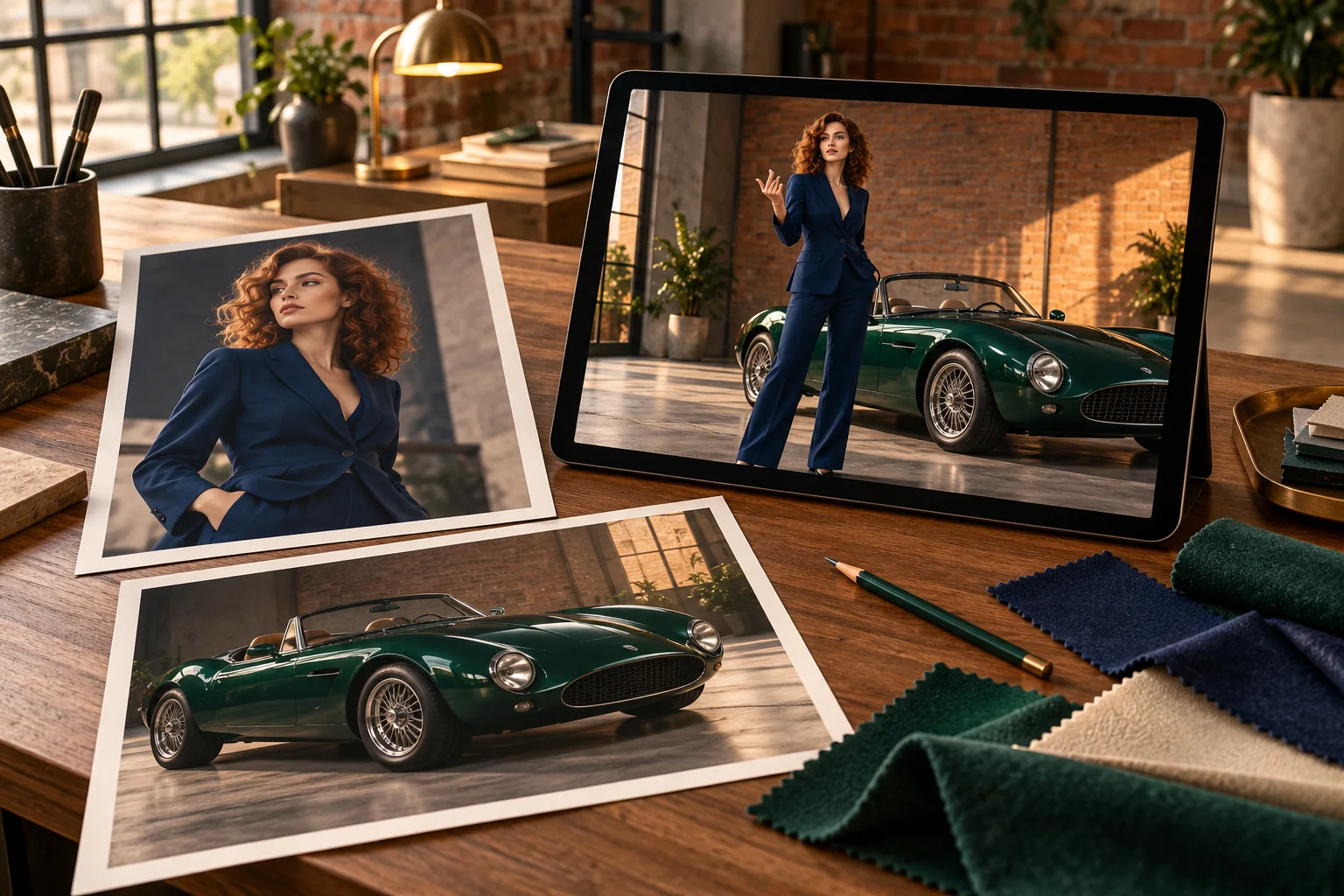
Evaluate the finished clip as a short sequence, not just a cover photograph. Watch whether hair and suit details stay coherent as the person moves, then inspect the hand-to-car relationship and vehicle reflections. Choose a cover with a readable face and enough of the car to explain the idea. For a mood board or social edit, compare the result with surrounding assets before adding final text or audio.
Continue your project
Questions about the car trend
Can I guide the outfit through a portrait?
The lead image provides appearance information, including visible clothing. Check the finished motion because fine fabric details may not remain identical.
Do I need a luxury car photo?
No particular car type is required. The optional vehicle slot accepts your chosen appearance reference; clarity matters more than a specific style.
Is the second photo another person?
No. This page assigns the optional second image to the car. Keep the performer in the required lead slot.
What if I only have a portrait?
You can proceed with that one image. The fixed reference remains in use, and the car upload is optional.
Can style notes change the choreography?
The supplied video guides the action. Use the text for compatible light, framing and mood rather than a completely different sequence.
Will the clip be fifteen seconds long?
Fifteen seconds is the configured output setting. The fixed input reference is approximately fourteen seconds and is not the generated result.
Is a soundtrack guaranteed?
This page does not promise a specific track. Listen to the output and finish any music or captions as part of your final edit.
Where can I check the generation price?
Read the current quote in the form before submitting. The available model and your account offer determine access and cost.
mfma.net · Updated
What's new on this page
- — Added photo inputs, a motion reference preview and guidance for creating this video effect.