A relaxed introduction
Show the performer in an everyday party moment before a more formal performance.


MFMA MOTION GUIDE
Loading history…
Dime Dime Baby AI turns one person photo into a playful party-scene request: a little dance, a sweet-bread bite, a pause toward the camera and an exit. Choose your performer and add a short atmosphere note. The demonstration helps explain the idea; your image and the written scene direction guide the new clip.
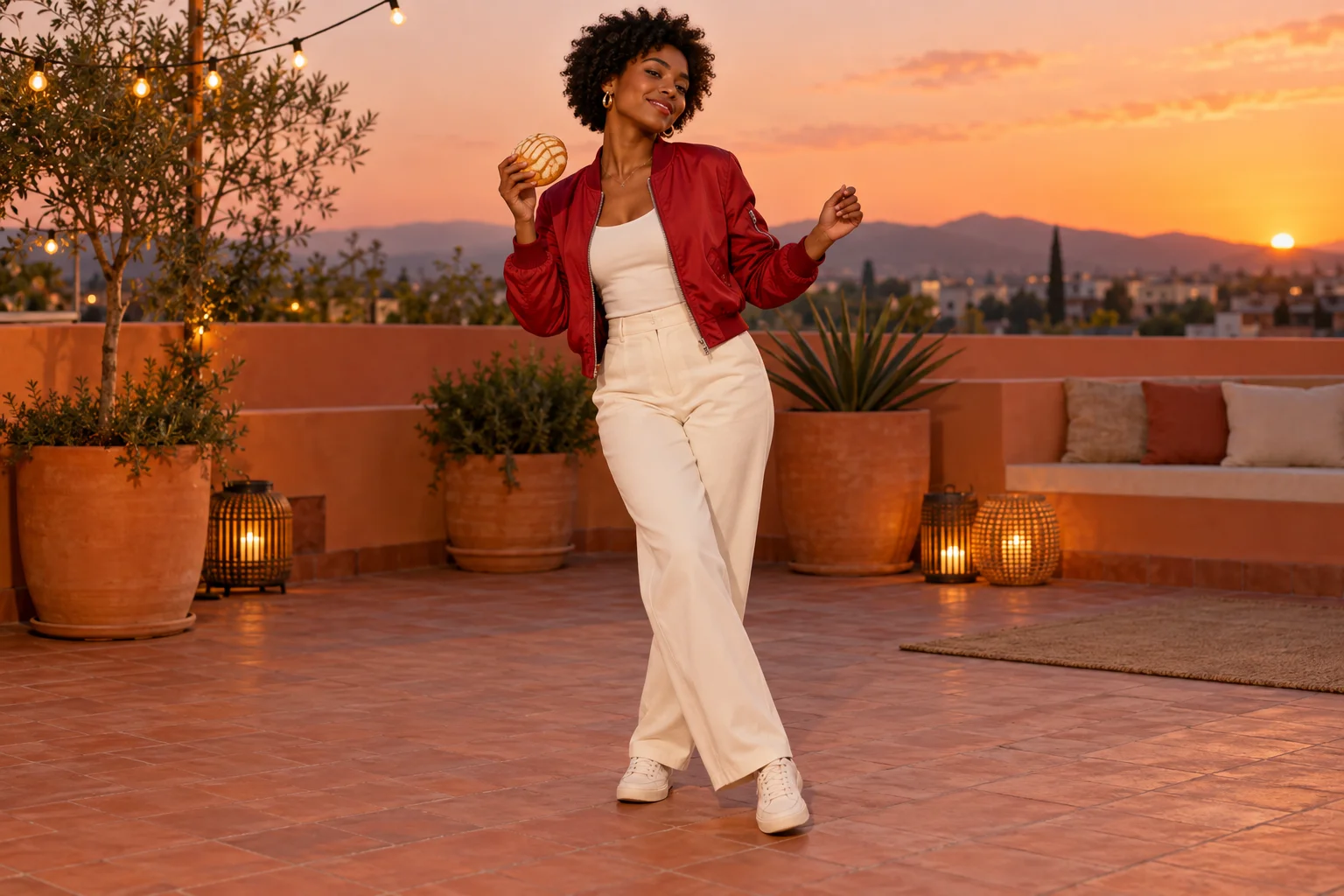
A party insert can introduce the performer, lighten a longer sequence or create a visual pause. Decide which role the clip should play before choosing its surroundings. A warm rooftop and a red jacket give this concept a strong silhouette without needing a crowded dance floor.
The comic change comes when the relaxed dance stops and the person looks toward the camera. The bread gives the hands a simple task during that transition. Keep the action understandable on its own; the page does not add a rap verse, lyric overlay or synchronized soundtrack to explain the joke.
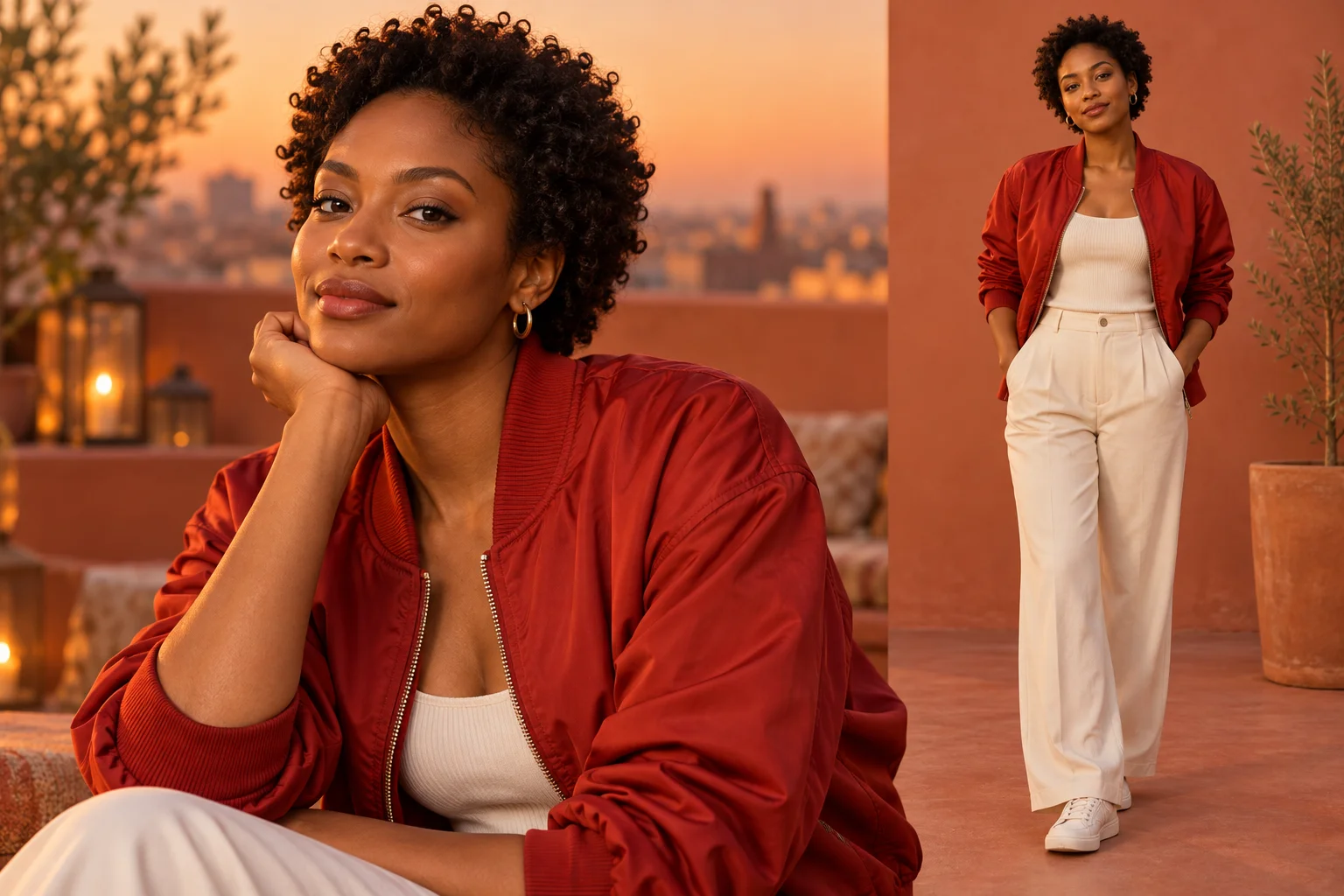
Pick a clear image of one adult performer. Even light, visible eyes and a recognizable outline help communicate who should appear. A full or three-quarter body view is useful when clothing and proportions matter, while a tight face crop leaves more of the body to be inferred.
There is no need to stage the dance for the photograph. Avoid a group selfie, a hand covering the face or a busy collage. The required slot is for one identity image, not a separate bun, rooftop or background. Choose a photo you have permission to use and keep the visual direction focused on that person.
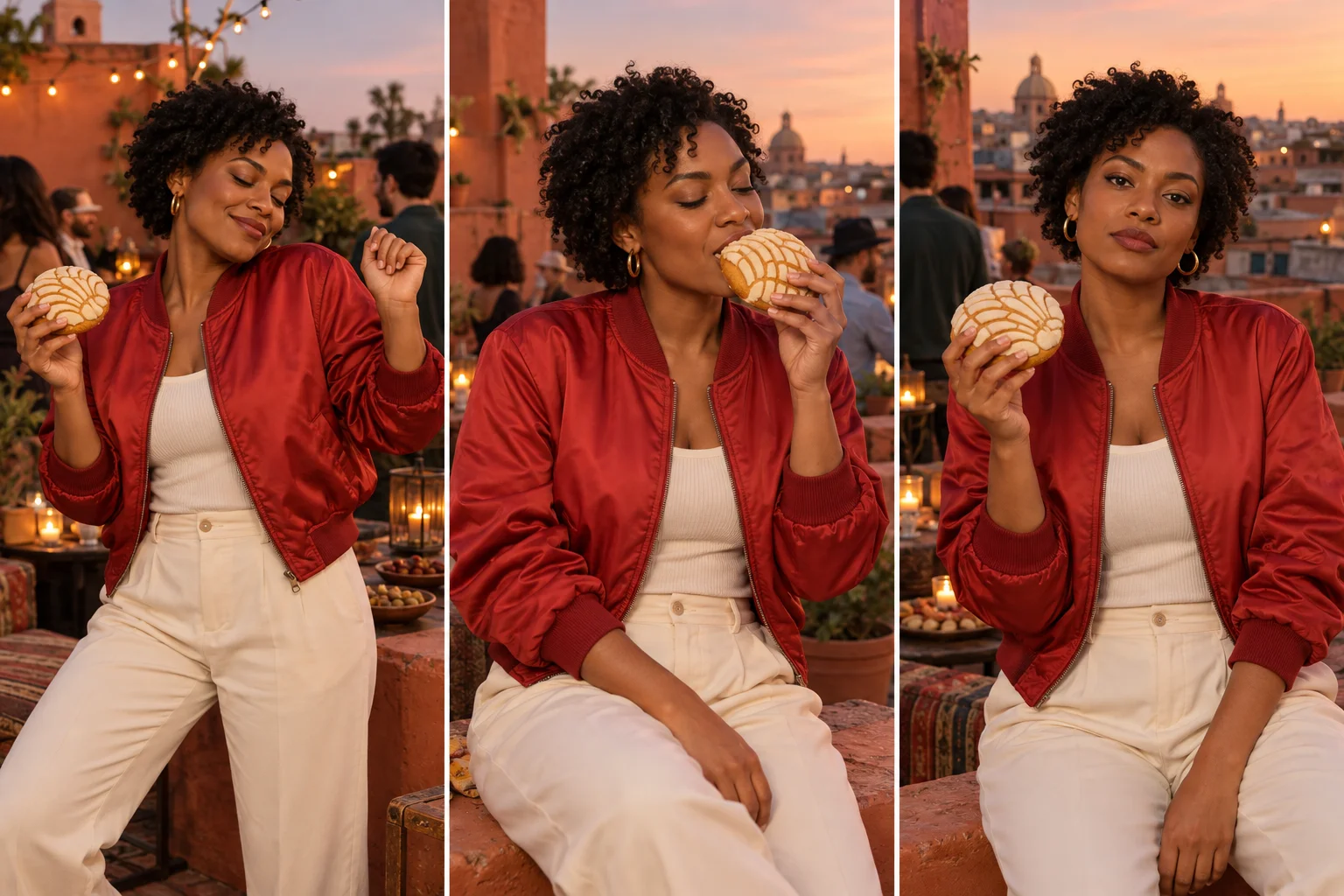
Try a brief note such as: “Warm rooftop at dusk, red bomber jacket, relaxed shoulders and a steady full-body view.” The page already supplies a written action plan. Your addition can establish light and clothing without replacing the sequence with a different performance.
Keep the sweet bread recognizable and the hand movement modest. Asking for several spins, fast cuts and a complicated bite in the same short take creates more details to inspect. Start with a readable version, then adjust one visual choice after reviewing it. The demo video is for viewing; it is not sent as a fixed motion input.
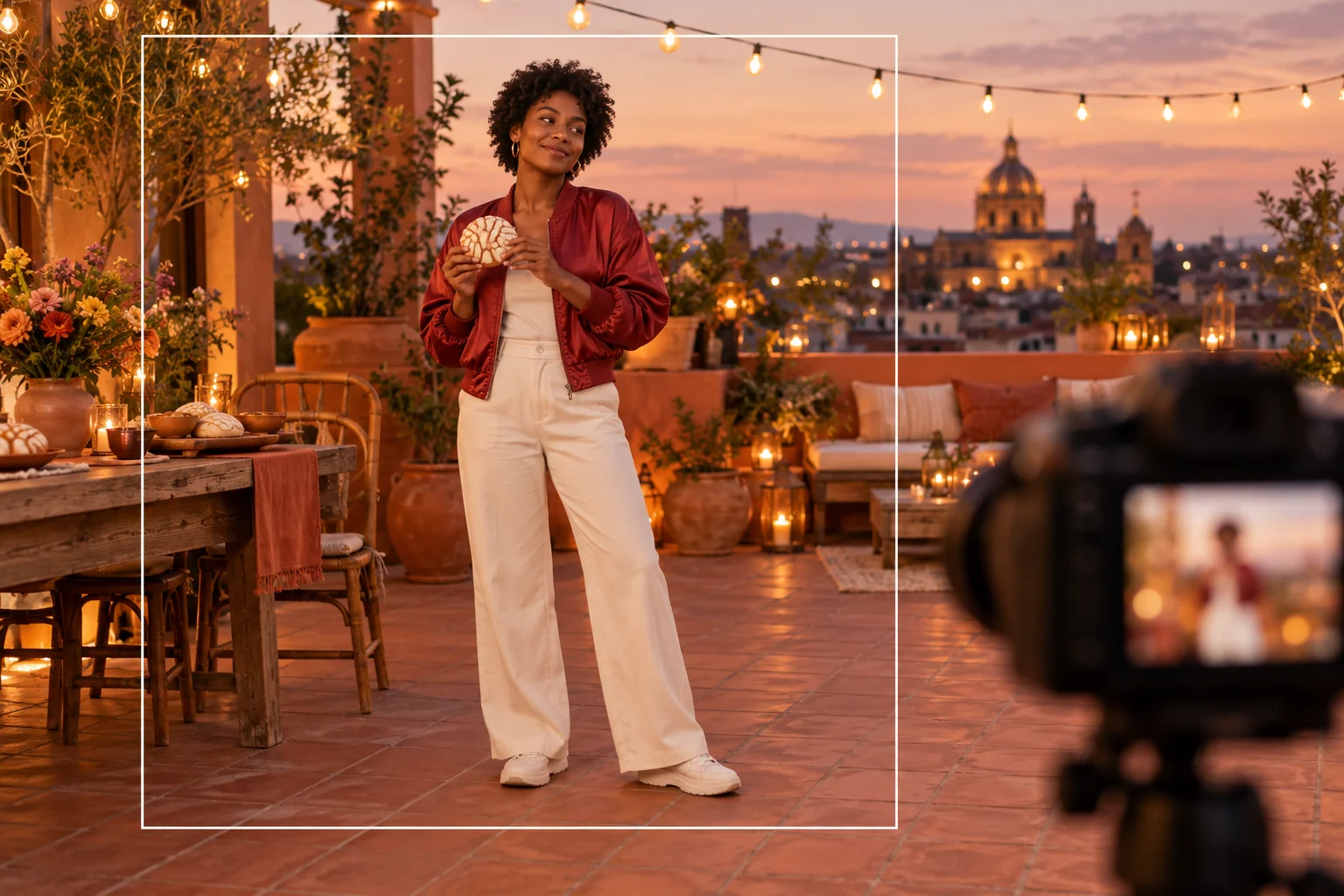
Watch the result from start to finish. Check whether the face remains consistent when the person stops moving, whether the bun stays in the same hand and whether the bite creates an understandable change. Look at wrists, fingers and clothing edges during the turn.
Download a take only after the movement reads at normal speed. If it belongs in a longer performance edit, choose the cut point from the actual clip. This workflow does not import your music or align the glance with a beat. Keep any soundtrack, captions and final timing in a separate editing step.
Show the performer in an everyday party moment before a more formal performance.
Use the sudden camera look as a pause between larger scenes in your own edit.
Compare how a strong jacket color reads in a simple room without changing the performer.
Upload one person photo. The page provides the written action direction, and you can add a short setting note. No separate bread photo or dance video is required.
No. It illustrates the scene idea and is not included as a video reference in the generation request. Your result can differ in motion, timing and appearance.
No. It is part of the effect name. This guide uses an adult party character; choose a suitable single-person photo for your own scene.
The current model catalog requires purchase access and enough credits. Review the form’s live quote before submitting. This page does not promise free or unlimited generation.
This page requests a 15-second clip. That is the output length, not a processing deadline. The model and queue determine completion; follow the task in History.
This form has no song upload or beat-sync control. Any generated sound follows the available model settings; it does not provide a particular commercial recording or automatically edit your track.
mfma.net · Updated