

Create a Hug My Younger Self AI Video with a Warm, Editorial Feel
Create your Hug My Younger Self AI Video
Watch a short motion study
History
Loading history…
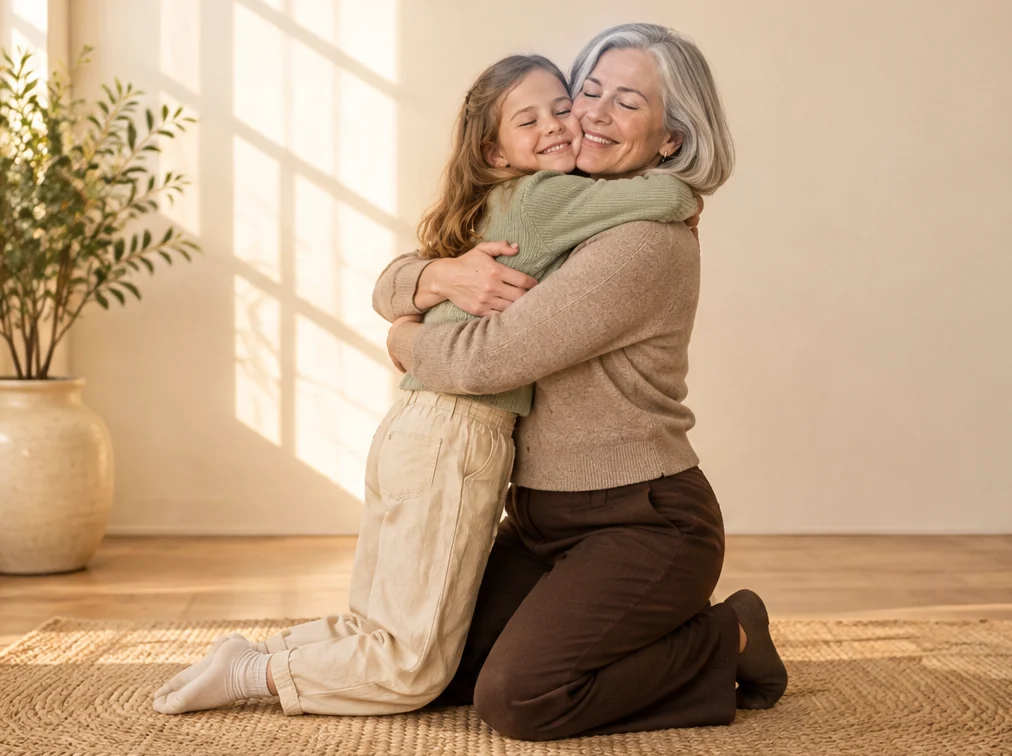
Hug My Younger Self AI Video turns a recent portrait and a childhood photo of the same person into a gentle reunion scene, with both faces kept recognizable. Upload your adult portrait first and childhood photo second, review or edit the built-in prompt, then start the video in the generator.
Make your video, step by step
- Choose a clear, recent portrait of yourself and a childhood photo where your face is visible.
- Upload your recent portrait as @Image1, then upload your childhood photo as @Image2.
- Review the pre-filled effect prompt and adjust the scene wording if you want.
- Check the live credit quote in the generator, then start the video and wait while it processes.
From childhood photo to reunion scene

Ways to shape the scene
- A quiet personal keepsake Use a simple, warmly lit setting and understated expressions for a reunion that feels reflective rather than theatrical.
- A family-story visual Pair a recognizable childhood portrait with a recent photo to create a concise visual for a personal family story.
- An editorial-style portrait concept Keep the background uncluttered and wardrobe colors restrained for a polished, studio-inspired scene.
Give your video a final check
- Make sure both faces remain recognizable and resemble their reference photos.
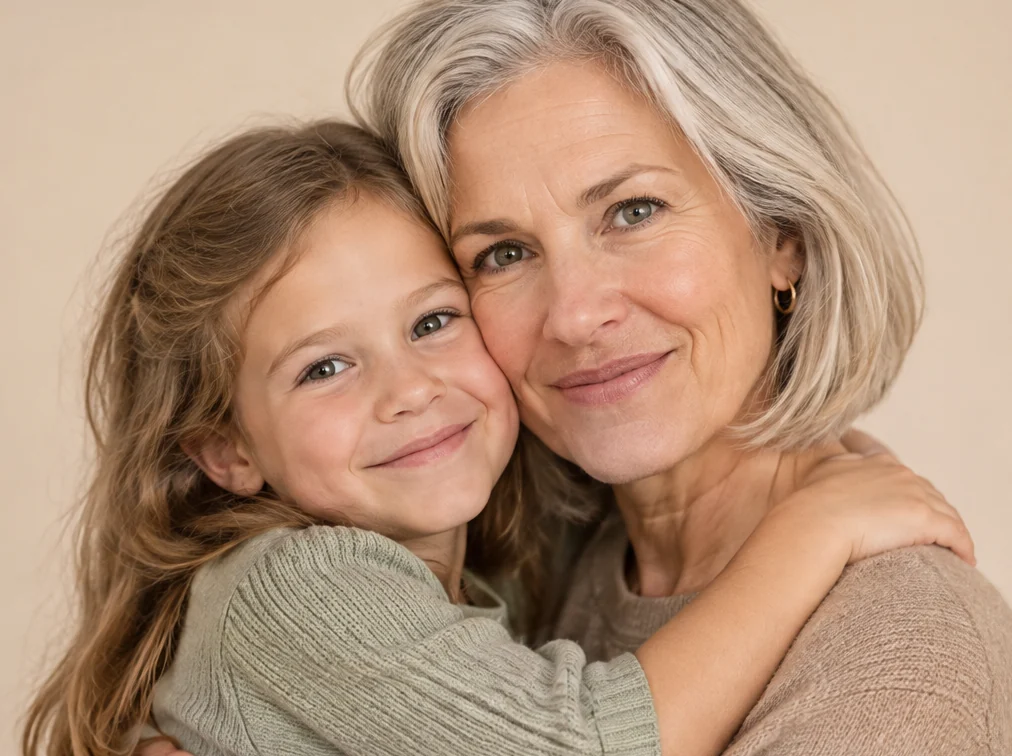
- Check that the adult and child meet in a gentle hug, with no awkward changes to their features.
- Review the framing and expressions to confirm both faces are visible in the final moment.
Common questions
What is Hug My Younger Self AI Video?
It is a video effect that uses a recent portrait and a childhood photo of the same person to create a scene where the adult and child versions meet and share a gentle hug.
Can I try it free?
Check the live credit quote shown in the generator before starting and consult the pricing page for current plan details. Credit amounts and availability can change.
What do I need to upload or type?
Upload exactly two photos: your recent adult portrait first as @Image1, followed by your childhood photo as @Image2. The effect prompt is pre-filled, and you can edit it before starting.
How long does it take?
The generator creates a clip of up to 15 seconds. Processing usually involves a short wait, which depends on queue load.
What makes a good childhood photo for this effect?
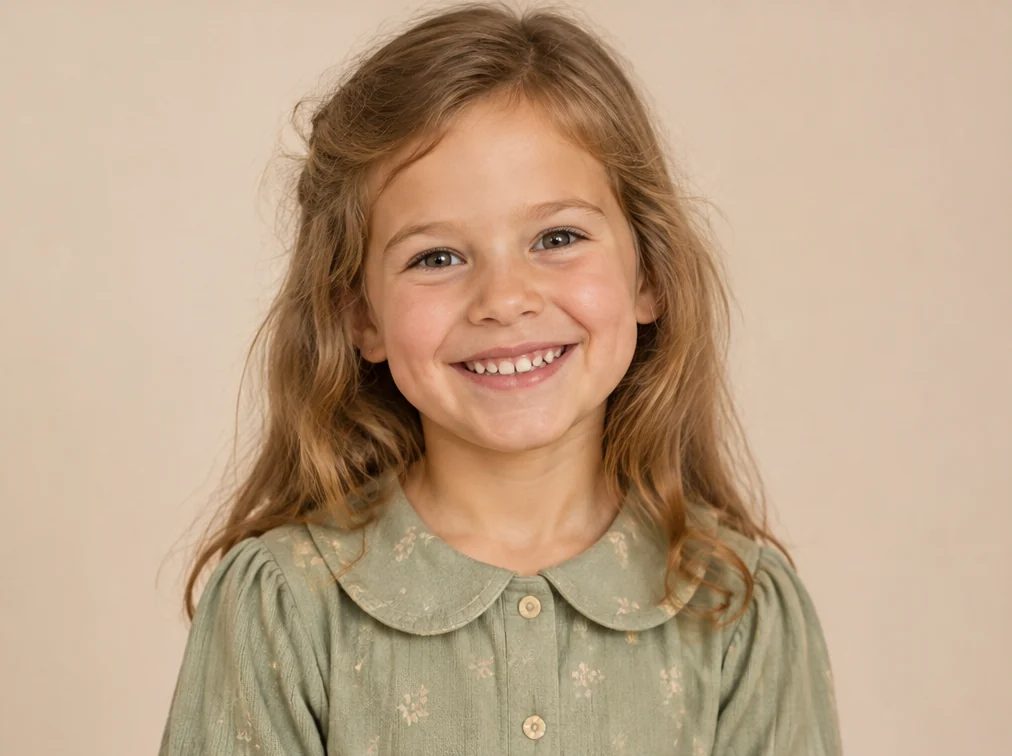
Choose a childhood image where the face is visible and easy to recognize. A clear, straightforward photo gives the generator a useful reference for keeping the younger version distinct.
Explore more visual ideas
mfma.net · Updated
See update history
- — Added a guide to creating a gentle reunion video with a recent portrait and childhood photo.