

Create an Action Game Cover AI Photo with Painted Panels
Create your Action Game Cover AI Photo
History
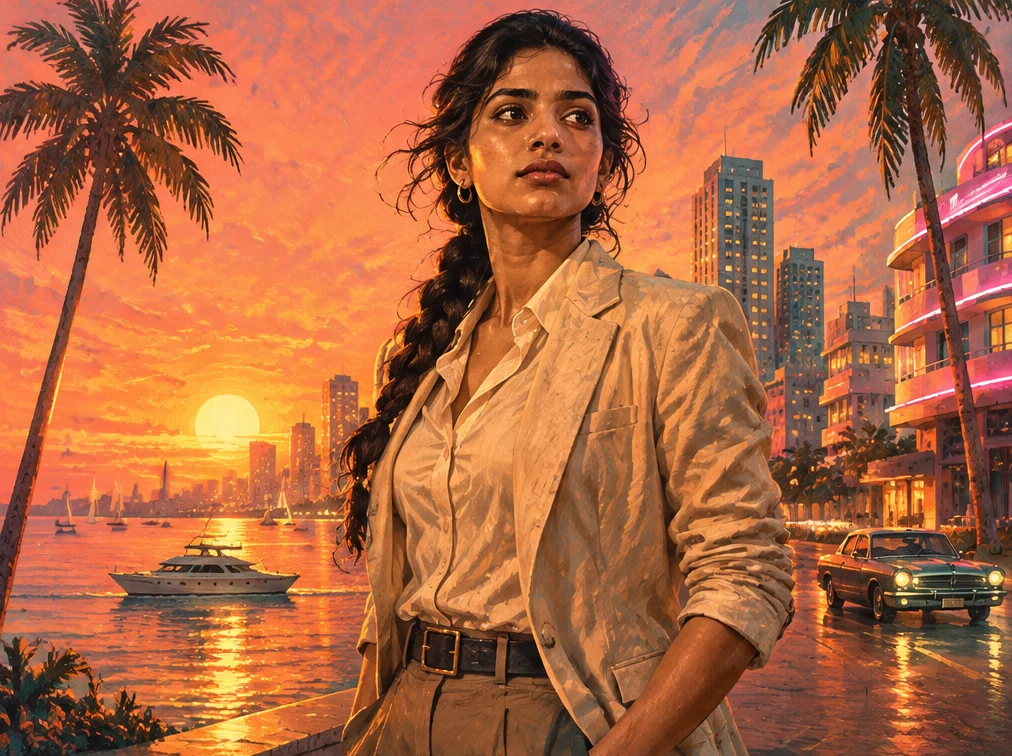
Action Game Cover AI Photo is a way to turn a portrait or written idea into original, painted-poster-style action cover art set in a fictional coastal city. Choose Image to Image to upload one photo and edit the pre-filled prompt, or Text to Image to describe a scene without uploading; review the live credit quote, then start generation.
How to make your cover-art image
- Choose Image to Image to work from one portrait, or Text to Image to create a scene from a description alone.
- Edit the pre-filled prompt with details such as the coastal setting, clothing, lighting, and pose; for an uploaded portrait, ask to preserve the person's recognizable features.
- Check the live credit quote shown in the generator before starting.
- Start generation, wait for the queue, then review the image and save it if it fits your idea.
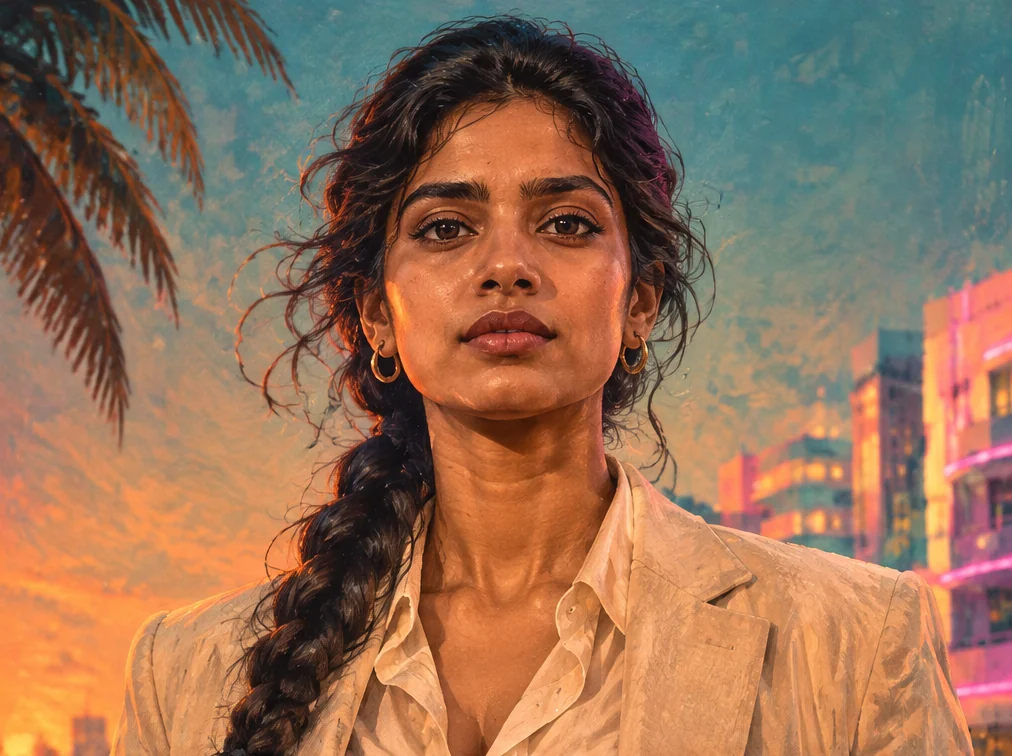
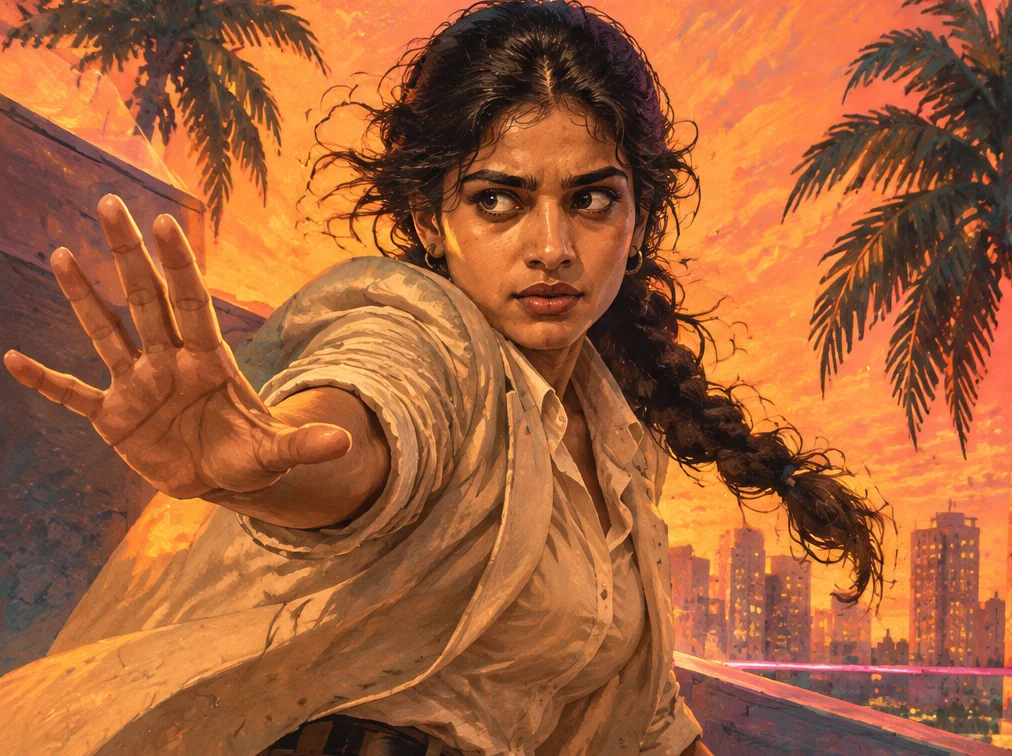
See the portrait become a painted coastal cover
Ideas for an original coastal-city cover
- A dusk arrival Build a wide painted-cover scene around an adult hero arriving on a palm-lined street as the city lights come on.
- A character portrait Restyle a portrait as a confident action-cover character, keeping the person's features while changing the pose, wardrobe, and backdrop.
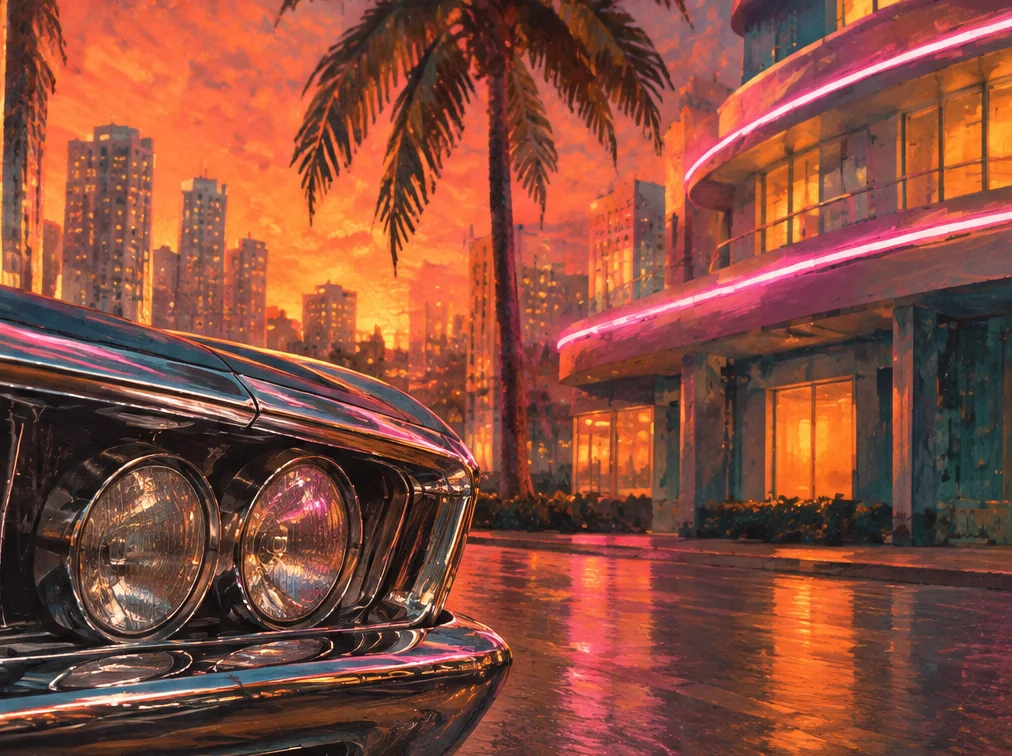
- A city-detail crop Focus on chrome, palm shadows, and colored neon without lettering for a moody supporting image or visual reference.
Give your cover a final look
- Check that the face, hairstyle, and skin tone still resemble the person in your reference photo.
- Look for a clear action-cover composition, readable pose, and warm cinematic color.
- Make sure signs, clothing, vehicles, and other details stay fictional and unbranded.
Common questions
What is Action Game Cover AI Photo?
It is an image-generation workflow for creating original, painted-poster-style action cover art in a fictional coastal city, using either a portrait or a text description.
Can I try Action Game Cover AI Photo free?
Check the live credit quote in the generator before starting and review the pricing page for current plan details. No credit amount is stated here.
What do I need to upload or type?
For Image to Image, upload one portrait and edit the pre-filled prompt. For Text to Image, describe the adult character, pose, clothing, setting, and lighting; no upload is needed.
How long does generation take?
It usually takes a short wait, and the time depends on queue load.
How can I make the cover feel like an original coastal-city scene?
Describe specific details such as palm shadows, warm dusk light, original architecture, and unbranded car chrome. Keep signs and neon free of letters, and avoid recognizable game references.
Explore related guides
mfma.net · Updated
See update history
- — Added a guide to making original coastal-city action cover art from a portrait or text prompt, including steps, prompts, and review checks.