

AI Private Jet Photo Guide
Create your AI Private Jet Photo
History
An AI Private Jet Photo puts a portrait or a written scene idea into an original, fictional private-jet travel setting. Upload one clear portrait for Image to Image, or describe a fictional traveler with Text to Image; then review the editable, pre-filled prompt and the live credit quote before starting.
How to make your private-jet scene
- Choose Image to Image and upload one clear portrait, or choose Text to Image to work from a description alone.
- Read the pre-filled prompt and edit the scene details, such as the cabin, airstair, or golden-hour apron.
- Check the live credit quote shown in the generator before you start.
- Start generation, allow for a short wait that can vary with queue load, then review the image before saving.
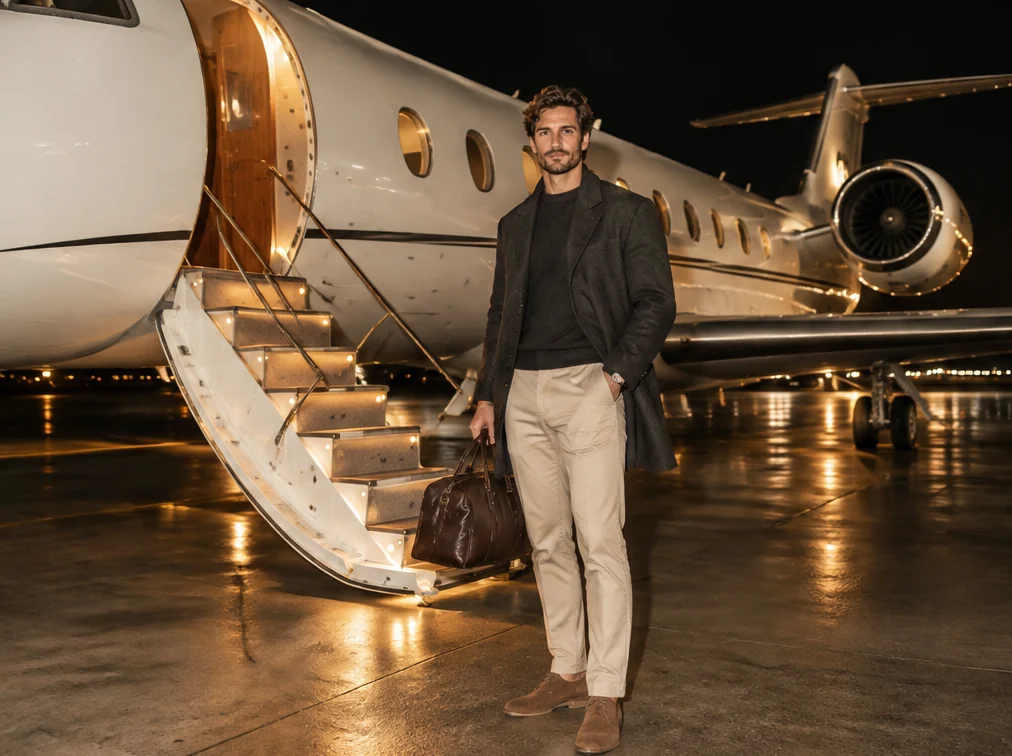
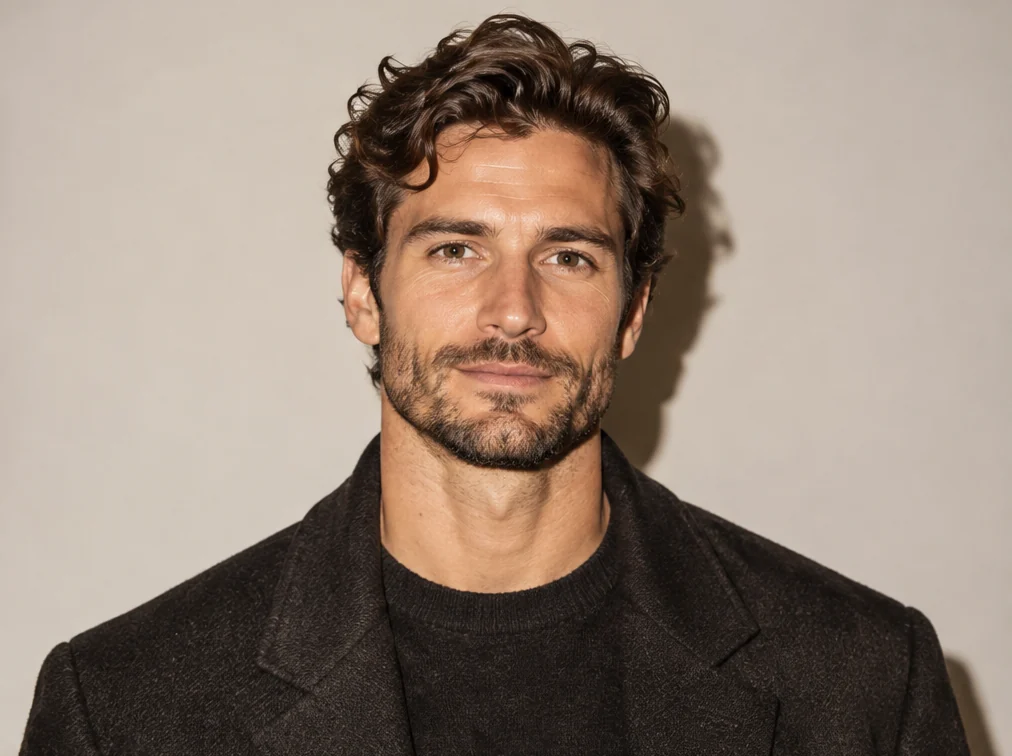
Starting portrait and edited scene
Ideas for a private-jet photo concept
- Airstair arrival Build a confident, flash-lit arrival scene beside an unbranded jet, with the traveler stepping onto the apron.
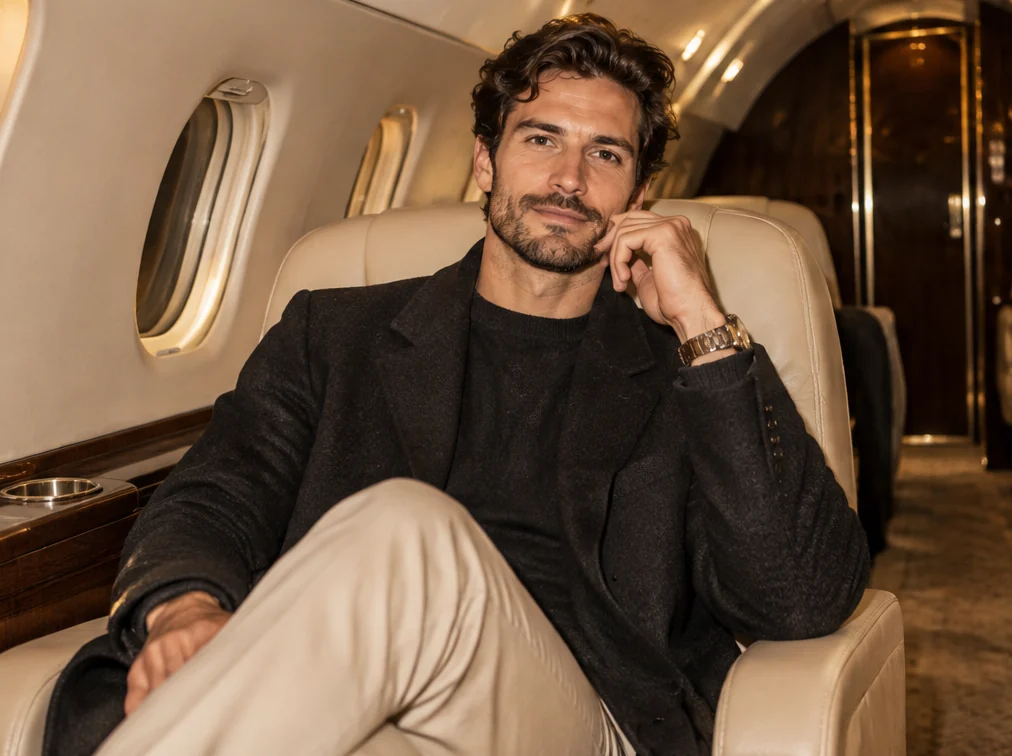
- Quiet cabin moment Describe the same portrait subject seated inside a clean, understated cabin for a composed travel portrait.
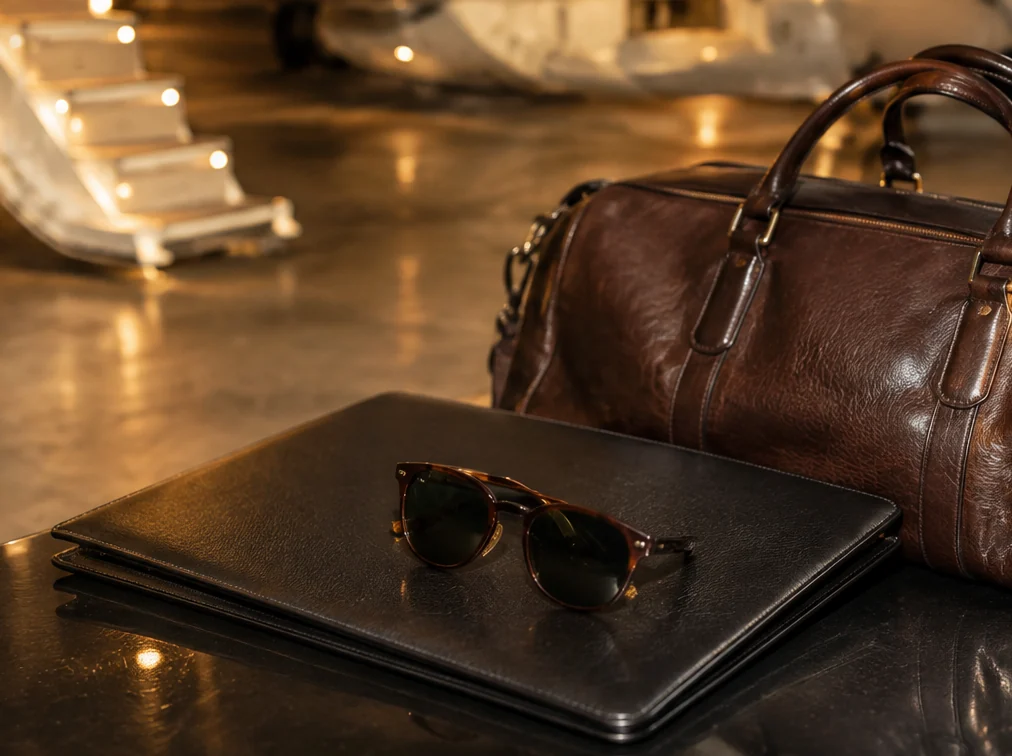
- Golden-hour apron Set a fictional traveler scene in warm evening light, with crisp flash and carefully chosen travel props.
Check before saving
- Confirm the face, hairstyle, and skin tone look consistent with your reference portrait, if you uploaded one.
- Look for unwanted text, logos, or tail numbers in the fictional travel setting.
- Check that the lighting and travel details fit the scene you intended.
Common questions
What is an AI Private Jet Photo?
It is a fictional private-jet travel scene made from a portrait or a text description. At MFMA, you can shape the idea around an airstair arrival, an understated cabin, or a golden-hour apron, with high-contrast flash as the visual direction.
Can I try it free?
Check the live credit quote in the generator before starting and visit the pricing page for current plan details. The quote shown there is the reference for the generation you are about to start.
What do I need to upload or type?
For Image to Image, upload one clear portrait and review the editable, pre-filled prompt. For Text to Image, no upload is needed: describe a fictional adult traveler and the scene you want.
How long does generation take?
There is usually a short wait, but it can vary with queue load. Check the generator for the current process rather than relying on a fixed time.
How can I make the scene feel like an authentic travel portrait?
Specify one clear moment, such as stepping off the airstair or sitting in the cabin, and describe the flash, shadows, and wardrobe. Keep the aircraft unbranded and avoid asking for text or logos.
Explore more
mfma.net · Updated
See update history
- — Added guidance for creating fictional private-jet travel scenes from a portrait or text description, with prompt examples and checks before saving.